Single-Command Database Explorer & Docker Manager
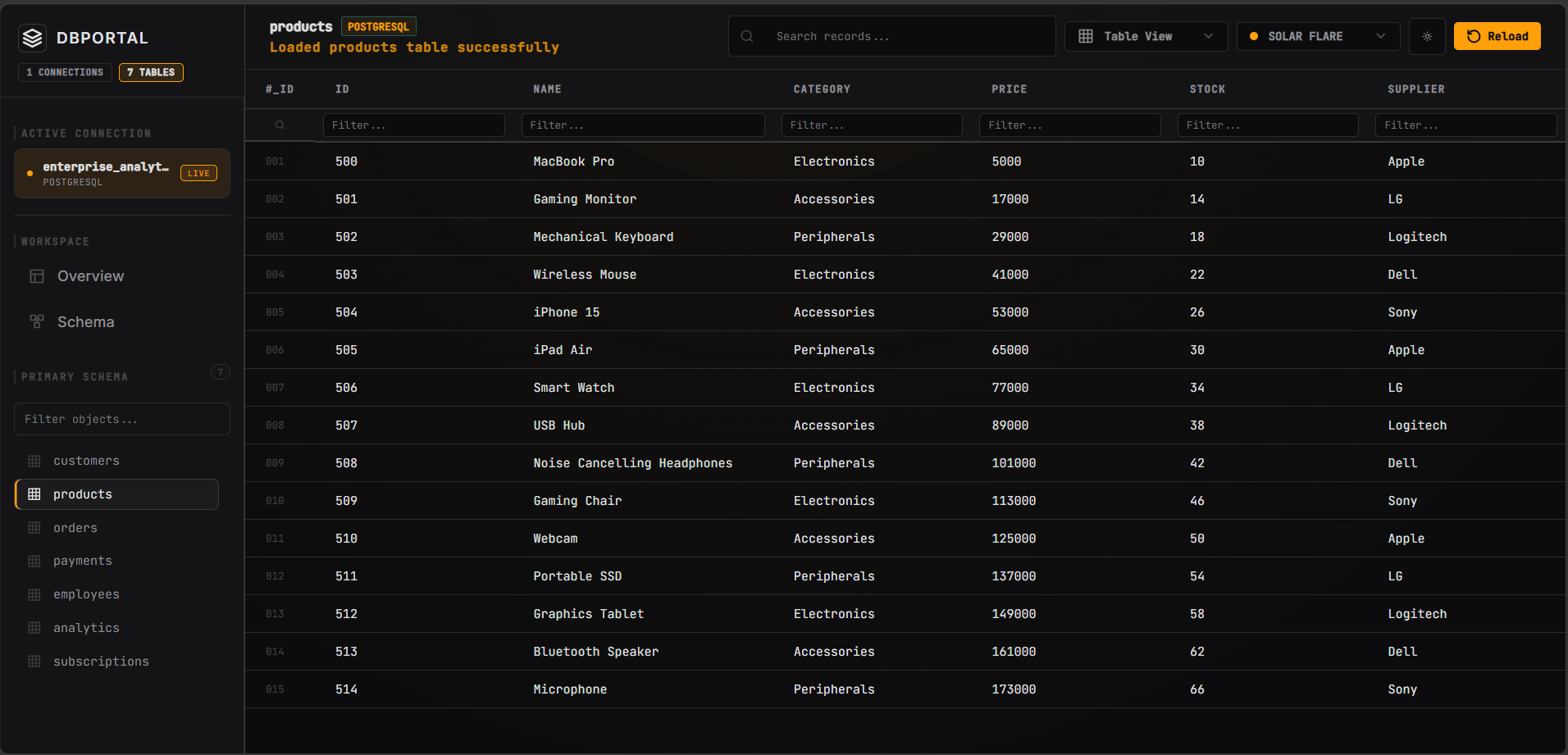
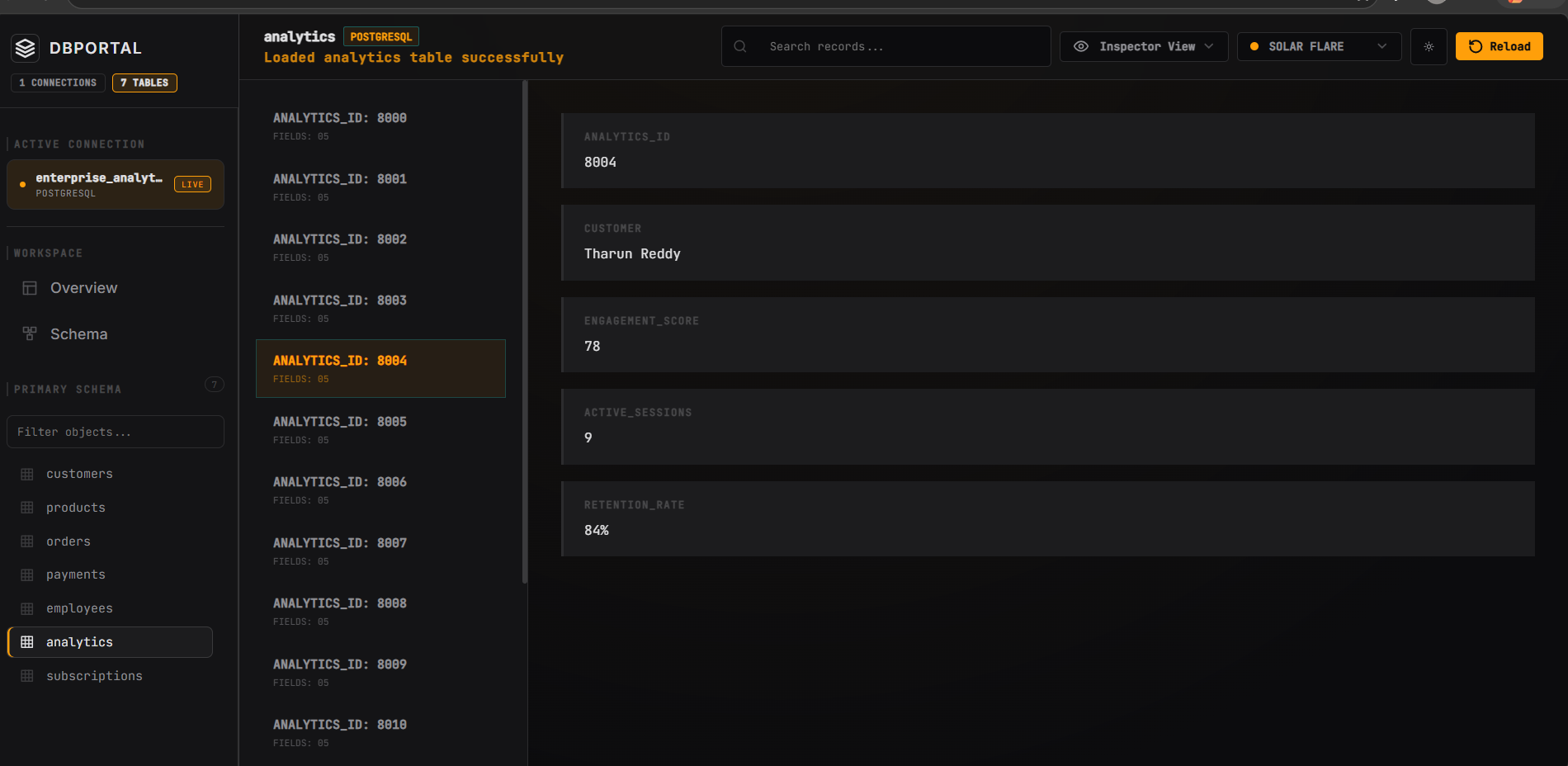
Stop wrestling with heavy desktop clients. Inspect PostgreSQL, Mongo, MySQL, SQLite, Redis & Docker containers directly in your browser — zero config, 100% local, read-only safe.
Quick Launcher
Run locally in any project directory
Supported Connection Protocols
Place your database connection strings in your .env file — dbportal auto-detects drivers seamlessly.
postgresql:// / postgres://mongodb:// / mongodb+srv://mysql:// / mysql2://sqlite: / sqlite3:redis:// / rediss://mssql:// / sqlserver://Engineered for Developer Velocity & Safety
No cloud telemetry, no account registration, no heavy Electron VM bloat. Pure local speed.
Multi-Driver Database Fleet
Native driver support for PostgreSQL, CockroachDB, MongoDB, MySQL, MariaDB, SQLite, SQL Server & Redis. No generic query parser wrapper — pure native performance.
Instant Docker Daemon GUI
Bridges directly to your local Docker socket via dockerode. Monitor live metrics, launch images, and manage volumes.
Read-Only Safety
Prevents accidental database mutations, table drops, or rogue UPDATE queries during local inspection and debugging sessions.
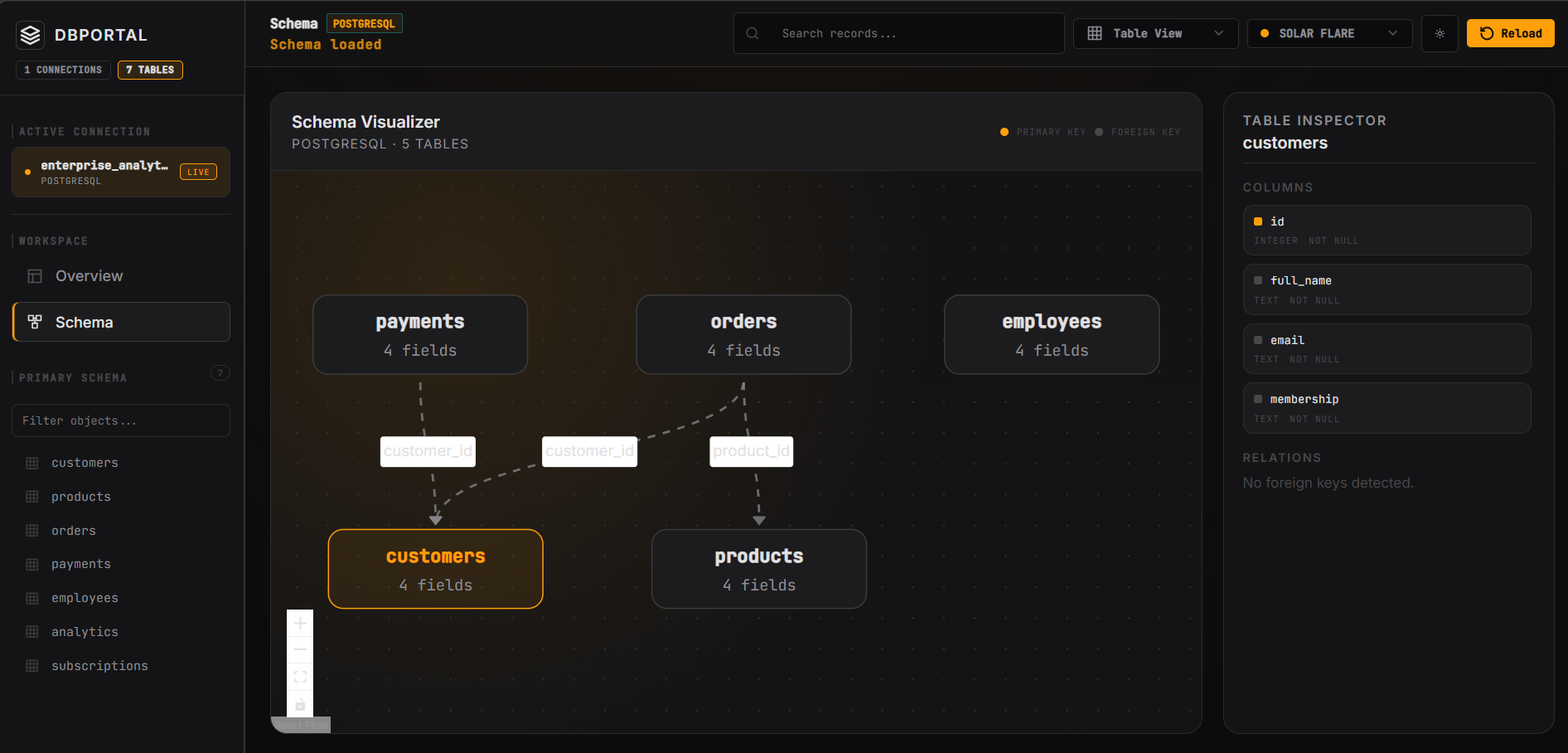
Relational ER Schema Visualizer
Auto-inspects foreign key constraints and schema metadata to dynamically render interactive entity-relationship maps. Drag, zoom, and inspect fields instantly.
Multi-Connection Dashboard
Specify DATABASE_URL_1 through DATABASE_URL_10 in your .env file for unified fleet inspection.
docker-compose.yml Exporter
Configure container environment variables, ports, and volume mounts visually, then export clean, valid docker-compose.yml files for fast local scaffolding.
Security & Local Architecture
Built with an unyielding local-first security stance. Inspect databases without compromising sensitive local or production data.
Localhost Binding Only (127.0.0.1)
dbportal binds strictly to your loopback address 127.0.0.1:4444. It is never exposed over public networks, external interfaces, or remote IP addresses.
Enforced Read-Only Engine
All database connections operate under strict read-only parameters. Destructive transactions like UPDATE, DELETE, and DROP are blocked at driver level.
Zero Cloud Telemetry
Zero analytics tracking, zero third-party cloud pings, zero tracking scripts. Operates fully air-gapped without active internet connections.
Docker Socket Isolation
Communicates directly with your local Docker daemon socket (/var/run/docker.sock or //./pipe/docker_engine) using native dockerode bindings.
Zero Credential Storage
Your database connection credentials remain isolated inside your local .env file. No tokens or keys are saved externally.
Open Source MIT License Integrity
Fully transparent codebase published on GitHub and npmjs. Audit the source code, verify dependencies, and contribute directly to GSSoC 2026.
Architectural Benchmarks
Comparison between dbportal single-command CLI and traditional desktop tools.
| Feature | dbportal | DBeaver | Docker Desktop | pgAdmin |
|---|---|---|---|---|
| Setup Overhead | 0 Seconds (npx) | 5-10 Mins (Installer) | 5-15 Mins (Heavy GUI) | 10 Mins (Config) |
| RAM Footprint | ~45 MB (Node API) | ~650 MB (Java JVM) | ~1.2 GB+ (VM Electron) | ~400 MB (Python/Web) |
| Multi-Database Fleet | ✔ Yes (Auto .env) | Manual Setup | ❌ No (Containers only) | ❌ Postgres only |
| Docker Container GUI | ✔ Yes (--docker) | ❌ No | ✔ Yes | ❌ No |
| Read-Only Safety Guarantee | ✔ Yes (Enforced) | Manual Toggle | N/A | Manual Toggle |
| Network Isolation | 127.0.0.1 (Local only) | Local Desktop | Local Daemon | Local HTTP |
Frequently Asked Questions
Everything you need to know about dbportal architecture, security, and usage.
Community & Contributions
dbportal is an open-source project featured in GirlScript Summer of Code (GSSoC) 2026.
Star on GitHub
Audit the codebase, report issues, and submit pull requests under GSSoC 2026.
Join Discord
Collaborate directly with maintainers, ask questions, and discuss features.